Melt Ice for Dinos Codes
Active Roblox promo codes for free rewards, boosts, and faster ice melting.
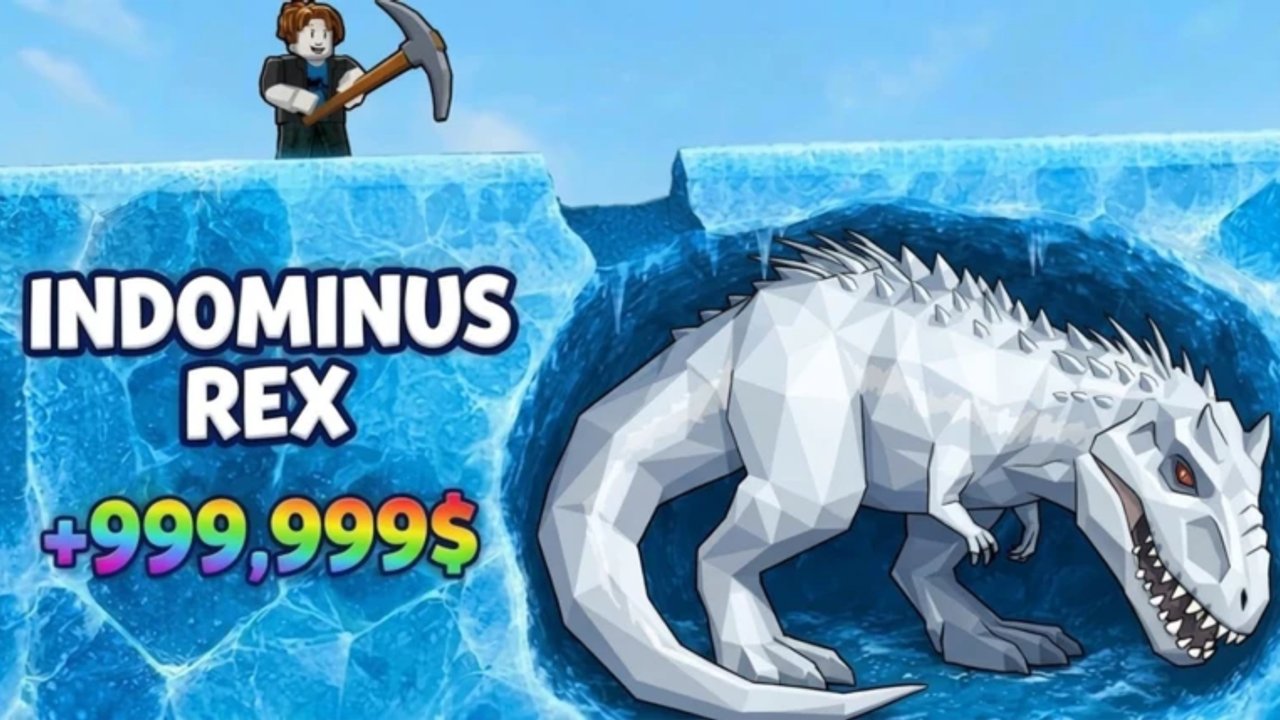
Working codes (November 2026)
Redeem these active +1 Melt Ice for Dinos codes as soon as you join. Codes expire without warning after major updates, so claim them before you grind Fire or explore a new zone.
| Code | Reward | Added |
|---|---|---|
| THANKSGIVING | Free rewards / boosts | Nov 21, 2026 |
| WORLD2 | Free rewards / boosts | Nov 19, 2026 |
Type each code exactly as shown. Most codes are case-sensitive and reject extra spaces.
How to redeem codes
- Launch +1 Melt Ice for Dinos! on Roblox (Desktop, Mobile, Console, or Tablet).
- Open the Settings button in the upper-right corner of the HUD.
- Scroll to the Codes text box at the bottom of the settings panel.
- Paste or type a working code from the table above.
- Press Redeem / Claim and check your inventory for Fire boosts, money, or event rewards.
If redemption fails, leave the menu, rejoin the server, and try again with the exact spelling. Expired codes return an error instead of rewards.
Why codes matter for progression
Every click in Melt Ice for Dinos adds Fire. Free code rewards often grant temporary Fire or money multipliers that help you melt thicker ice blocks, free rarer Dinos, and reach World 2 and deeper zones earlier. Pair a fresh code with torch upgrades from the shop before you push into a new biome.
Codes also stack well with the rebirth loop. Claim boosts first, place high-value Dinos at your base for idle income, then rebirth when Fire resets cleanly. New players should finish the Getting Started checklist, redeem every active code, then check the dino tier list before spending early money on weak placements.
Where new codes appear
Cryosaur Studios usually drops codes with world unlocks, holiday events, and Admin Abuse streams. Watch the official Roblox experience page for event banners such as World 3 + Admin Abuse, then refresh this Codes Hub after each patch. Community code roundups and short YouTube uploads also surface new strings within hours of an update.
Bookmark this page and re-check after Thanksgiving-style events, World launches, and large balance patches listed on the Updates Hub. When a code stops working, move it mentally to the expired pile and stop typing it—retrying expired codes never restores rewards.
Safety and account tips
Only redeem codes inside the official game Settings panel. Never share your Roblox password, and ignore Discord DMs that ask you to “verify” a code on a third-party site. Scripts and executors are a separate topic covered on the Scripts Hub; codes themselves never require an external injector.
If you hit a soft lock after redeeming, rejoin, confirm your Dinos are still placed at the base, and resume melting. Offline earnings continue while you are away, so a successful code claim keeps paying out even after you close Roblox.
Related next steps
- Learn torch priorities in Fire, Torches & Upgrades.
- Rank which Dinos to keep on the Tier List Hub.
- Track World 2 / World 3 drops on the Updates Hub.
- Jump back to the Guides Hub for the full walkthrough set.
Stay current: we refresh this list whenever THANKSGIVING-style holiday codes or WORLD2 / WORLD3 strings are confirmed in-game.
Frequently Asked Questions
Quick answers about Melt Ice for Dinos.
What are the working Melt Ice for Dinos codes right now?
As of late November 2026, active codes include THANKSGIVING and WORLD2. Redeem them in Settings before they expire after the next update.
Where do I redeem codes in +1 Melt Ice for Dinos?
Open Settings (top-right), find the Codes box at the bottom, enter the code exactly, and press Redeem.
Why is my code not working?
Codes are case-sensitive, expire after events, and fail if you add spaces. Rejoin the server and try the exact string from this page.
Do codes reset my Dinos or Fire?
No. Redeeming codes grants rewards only. Rebirth is a separate button that resets Fire while keeping money and placed Dinos—see the rebirth guide.