Melt Ice for Dinos Guides & Walkthroughs
From first click of Fire to deep-zone Legendaries—every Melt Ice for Dinos tutorial.
Start here
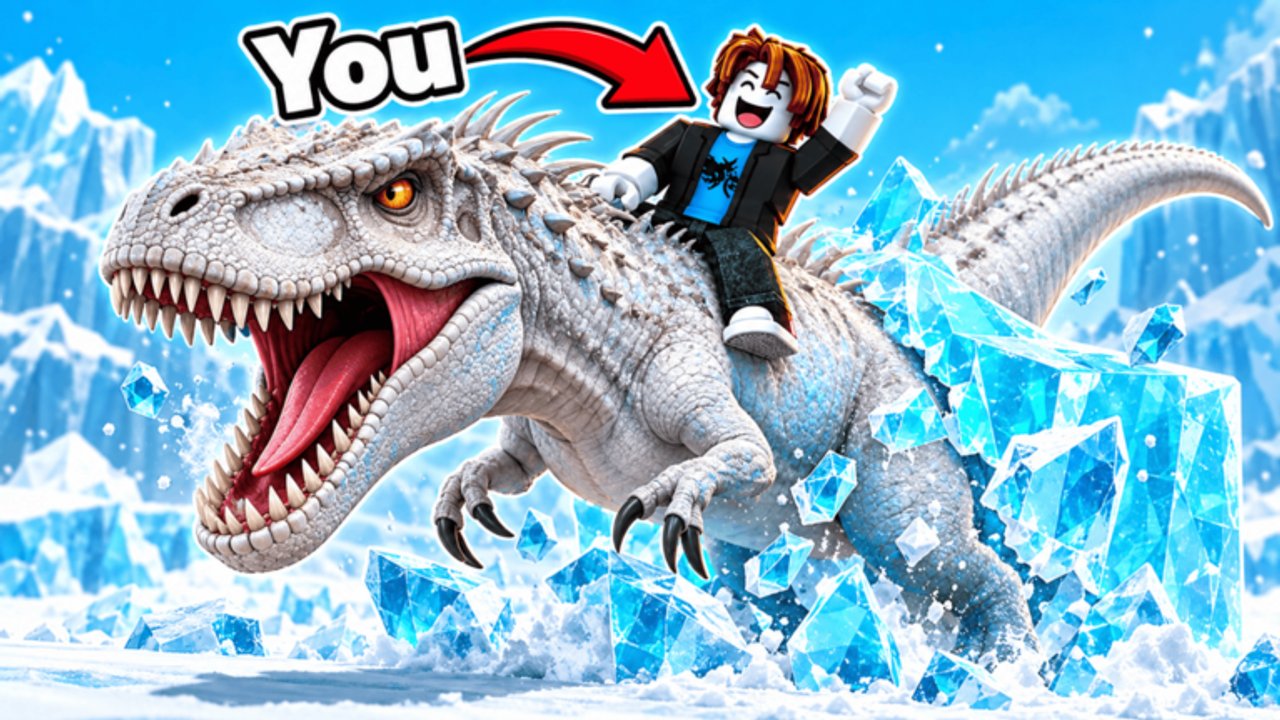
+1 Melt Ice for Dinos! is a Roblox incremental simulator from Cryosaur Studios. Every click adds Fire, Fire melts ice, ice frees Dinos, and placed Dinos print money—even offline. This hub links the deep guides players search for most.
Core walkthroughs
- Getting Started — first-hour checklist, HUD, and the melt → carry → place loop.
- How to Rebirth — when Fire resets, what you keep, and how to rebuild power.
- Fire, Torches & Upgrades — shop priorities so you melt thicker ice faster.
- Zones & Worlds — World 2, deeper biomes, and event maps with rarer Dinos.
Pair guides with live tools
Redeem working codes before long sessions, rank finds on the dino tier list, skim player tips for controls and etiquette, and check the Updates Hub after every Cryosaur patch. Optional automation lives on the Scripts Hub. Official Roblox and group links sit on the Links Hub.
Beginner path (first session)
- Join the experience and click until you can melt the nearest ice.
- Free a Common Dino, carry it home, and place it for idle cash.
- Open Settings and redeem every code on the Codes Hub.
- Buy the cheapest torch upgrade that raises melt speed.
- Push one zone deeper only when Fire comfortably clears local ice.
- Rebirth once Fire gains feel flat—money and Dinos stay.
Following that order avoids the two classic traps: wandering into deep ice with a starter torch, and rebirthing before you place anything valuable.
Intermediate goals
Once the base has a few solid earners, shift focus to rarity. Use the tier list to decide which Dinos deserve permanent pads. Farm mid-depth ice for Epics, then unlock World 2 content when the gate requirements (often large money thresholds after updates) are met. Holiday codes such as THANKSGIVING and world codes such as WORLD2 are designed to accelerate exactly this stage.
Admin Abuse and World 3 event streams can dump temporary boosts—plan inventory space before those sessions so you can place high-rarity finds immediately.
Advanced optimization
Veterans chain rebirths while offline earners run, keep torch tiers ahead of the zone curve, and only AFK in areas their Fire can clear. Scripts that Auto Place or Auto Rebirth can reduce clicks, but they do not replace upgrade timing. Read the safety notes on the Scripts Hub before experimenting.
Cross-check facts after each patch: release status, co-op server size (6 players), and platform support (Desktop, Mobile, Console, Tablet) are tracked across this wiki and should stay consistent.
How to use these guides
Each guide aims for practical depth—step lists, decision rules, and internal links—not filler. Mid-article YouTube embeds (when present) show real gameplay; click the facade thumbnail to load the player. Prefer reading the matching written section even if you watch the video, because patch numbers and code strings change faster than longform uploads.
Return to this hub whenever you finish a guide so you can branch into the next skill instead of bouncing to search results.
Related hubs
Frequently Asked Questions
Quick answers about Melt Ice for Dinos.
Which Melt Ice for Dinos guide should I read first?
Start with Getting Started, redeem codes, then read Fire & Torches before pushing into World 2.
Do guides include YouTube videos?
Yes—select pages embed one real gameplay video in the middle of the article. Thumbnails load the player on click.
Are these guides official?
No. This is an unofficial fan wiki. Confirm events on the Roblox experience page and Cryosaur Studios channels.
How often are guides updated?
After major world unlocks, holiday code drops, and balance patches summarized on the Updates Hub.